Photo Book Layout Guide: 12 Spreads, Pacing and White Space
Put six equal images on every spread and the book soon loses its pulse. Some photographs need the whole space; others work beside a detail or a pause. Learn the roles a spread can play and when a layout has become too busy.
Words by Chris Franz.
A strong photo book layout begins with the facing spread, not with an isolated page. Give each spread a job before choosing its arrangement. One might establish the place, another might hold a portrait, and the next might gather five quick details. The change in scale and density creates the pace.
The twelve roles below form a working vocabulary, not twelve templates that every book must contain. A short book may use six of them. A long book may repeat several. What matters is that a repeated layout repeats for a reason, and that a change of layout marks a real change in the story.
Layout becomes much easier after the selection and sequence are stable. Start with how to choose the photographs and a spread-based photo count if those decisions are still moving.
Build the rhythm in thumbnails
Reduce every spread until photographs become small rectangles. At that scale, the content recedes and the pattern appears: large, small, dense, quiet, dark, light. If every thumbnail carries the same number of equal boxes, the book will probably feel flat even when the individual photographs are good.
Mark the chapter openings and the final image first. Add the photographs that deserve a full page or spread. Group the remaining images by moment, place or visual relationship, then decide which groups need a sequence and which need one decisive frame. This order protects hierarchy before decoration enters the page.
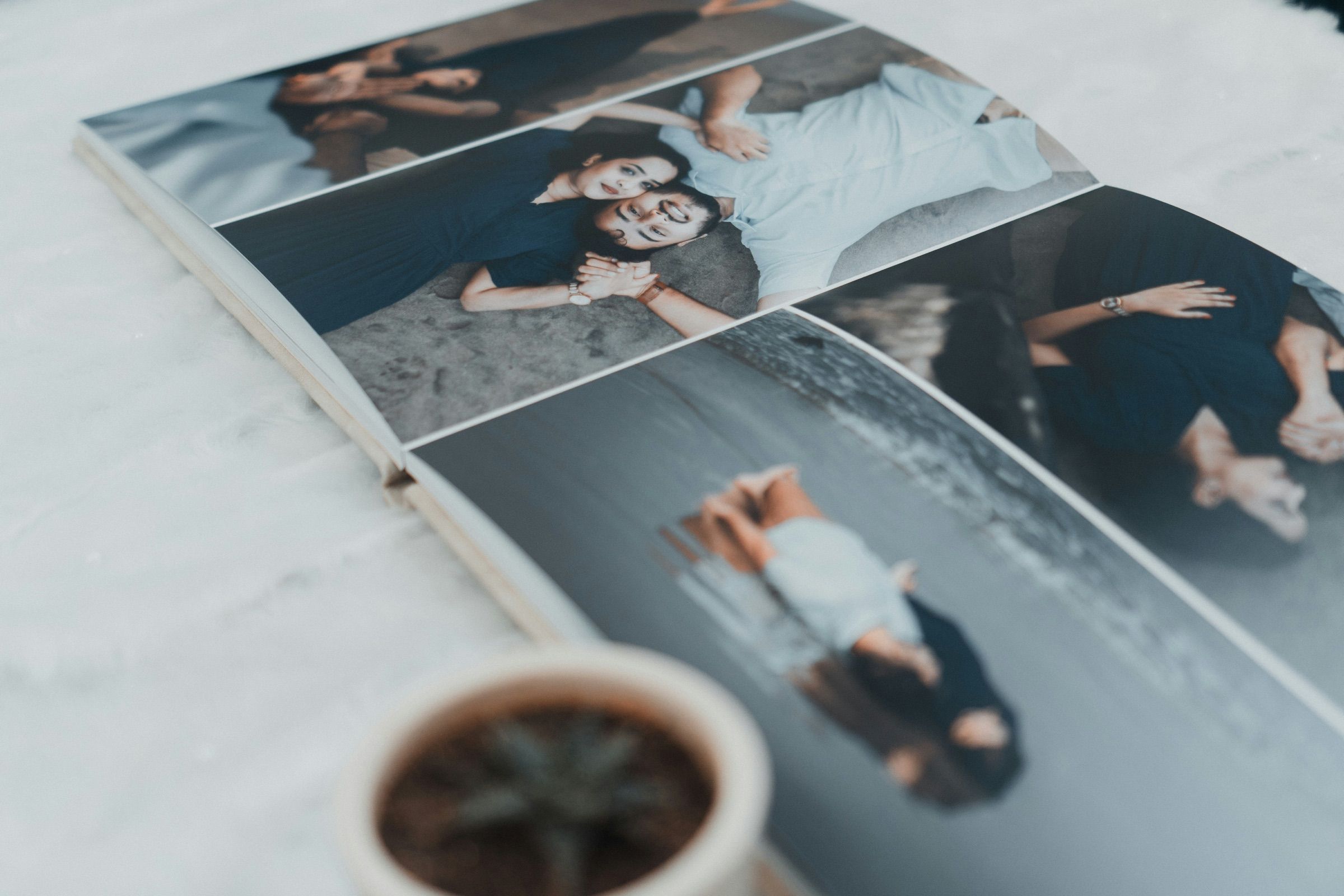
A five-pass layout workflow
Work across the whole book. A polished spread can still be wrong when it steals attention from the page before it or repeats a pattern already used three times.
- 1
1. Name the spread’s job
Write opener, context, portrait, sequence, pause, chapter or close beside each spread. If the job is unclear, the photographs may still need editing.
- 2
2. Choose one visual anchor
Decide which photograph should be seen first. Give it more scale, cleaner placement or stronger contrast than the supporting images.
- 3
3. Set the density
Choose whether the moment needs one image, a pair or a group. Dense spreads speed the reader up; sparse spreads slow the reading down.
- 4
4. Check the neighbouring spreads
Compare scale, colour, direction and repetition on both sides. Adjust transitions at thumbnail scale before refining margins.
- 5
5. Read the physical risks
Review crop, trim, resolution, captions and the centre binding. Important eyes, words and gestures need safe space.
Twelve spread roles and what each one does
The same arrangement can perform different jobs, but naming the intended role forces a useful question: why does this spread look this way? Use the final column to catch the most common failure before it becomes a repeated habit.
The twelve-spread vocabulary
| Option | Its job | Use it when | Common failure |
|---|---|---|---|
| 1. Opening image | Set the emotional key with one memorable frame | The first image can carry the subject without explanation | Starting with a collage because too many favourites are competing |
| 2. Establishing spread | Show where, when or with whom the story begins | A place, room, season or group needs context | Choosing a pretty wide view that contains no useful context |
| 3. Quiet single | Slow the reader and give one modest image attention | A gesture or in-between moment would vanish inside a group | Enlarging a weak photograph until the emptiness feels accidental |
| 4. Diptych | Create a relationship between two photographs | Frames answer, contrast or continue each other | Pairing two images solely because their orientations match |
| 5. Action sequence | Let a moment unfold across several frames | Movement, expression or a small event changes over time | Keeping every frame from a burst instead of editing the sequence |
| 6. Detail cluster | Bring texture and specific clues into the story | Hands, objects, food, signs or rooms deepen a larger scene | Using details as decoration with no link to the chapter |
| 7. Structured grid | Organise repetition, variety or a quick passage | Related images have equal narrative weight | Making unequal photographs compete inside identical boxes |
| 8. Portrait anchor | Give a person direct presence in the sequence | A chapter needs a face, relationship or change of emotional distance | Cropping too tightly or placing the eyes near the binding |
| 9. Text and image | Add context the photograph cannot carry | A name, date, line of dialogue or short memory changes the reading | Explaining what is already obvious in the image |
| 10. Chapter break | Signal a change of place, time or subject | The reader needs orientation before the next sequence | Adding a title page when the story has not actually changed |
| 11. Peak spread | Give the chapter’s strongest moment enough scale | One photograph or short sequence deserves the visual high point | Using maximum scale too often, leaving no peak to feel different |
| 12. Closing image | Leave an afterthought rather than a summary | A quieter frame can let the story continue beyond the page | Ending with leftovers or a generic group collage |
Give every spread a clear first look
Hierarchy tells the eye where to begin. Size is the most obvious tool, though placement, contrast, colour and empty space can do the same work. If three photographs have equal size and equal contrast, the reader has to invent an order. That can suit a true grid, but it weakens a spread meant to build toward one moment.
Choose an anchor, then ask what the supporting images add. A wide view may establish the room while two small details identify the people inside it. A portrait may hold the left page while a gesture on the right changes its meaning. Remove any supporting image that repeats information without improving the rhythm.
Let white space set the pace
White space is the unoccupied area around photographs and text; it can be any page colour. It separates images, gives a modest photograph confidence and creates a pause after a dense passage. Use it as a measured interval, not as a default sign of taste.
The amount should respond to the photograph. A quiet portrait may gain intensity inside a broad margin. A panoramic scene may need the page edge to preserve its scale. Several small details need enough separation to remain distinct, but too much can dissolve their relationship.
Keep recurring margins and gaps consistent enough to feel related. Then break that system only when the story benefits. A full-bleed peak has more force after several restrained spreads. A tiny closing image feels deliberate when earlier margins have established a visual language.
Crop for the photograph, then check the centre
Filling a frame usually crops the source image. Decide which edges can move before enlarging it. Faces, hands, type, architecture and the direction of a gaze often need more room than the editor’s first automatic crop gives them. Fit the whole image with a border when its edges are part of the composition.
Art of Sundays books use glued-left binding, so the centre deserves a separate check. Avoid placing eyes, small faces and captions across it. A landscape can cross both pages when the central area is visually forgiving. If the middle carries the subject, use one page, shift the image or choose a different spread.
The page shape changes these compromises. Compare the current options in the photo book size guide before refining a layout around the wrong ratio.
Control colour across the book
Colour flow is easier to judge in a thumbnail sequence than one spread at a time. Look for sudden changes in colour temperature, exposure or saturation. A shift may belong to the story, such as moving from daylight into dinner. If it has no narrative reason, bridge it with a photograph that shares colour with both sides or begin a new chapter.
Black-and-white photographs can create a clean chapter, mark an archival passage or solve a mixed-light sequence. Converting one difficult frame in the middle of a colour story can instead draw attention to the correction. Make the treatment part of a sequence rather than an isolated repair.
Direction matters too. A person looking toward the centre can pull the reader into the spread; a car or figure moving toward the outer edge can push the story forward. These are tendencies, not fixed laws. Read the actual sequence and keep the choice that makes the movement feel natural.
Six layout problems and a practical fix
| Option | Likely cause | First fix to try |
|---|---|---|
| Every spread feels the same | Image count and scale barely change | Mark a hero, a dense passage and a pause; rebuild those spreads first |
| The book feels crowded | Too many photographs are treated as equally important | Remove repetitions and give each spread one anchor |
| The book feels empty | Small photographs lack intention or relationship | Increase one anchor, tighten related pairs or use a stronger single image |
| A spread has no entry point | Several images have equal scale and contrast without forming a grid | Choose the first look and reduce the visual weight of the rest |
| The sequence jumps | Time, place or colour changes without a transition | Add an establishing image, a chapter break or a bridging colour |
| The print risks losing the subject | Important content sits near trim or the centre binding | Move the crop, reduce the image or keep the subject on one page |
A practical twelve-spread exercise
Take one short chapter and duplicate its layout before experimenting. Build twelve spreads using the roles above, with no requirement to keep every version. Start with an opener and an establishing spread. Add one quiet single, one purposeful pair, one sequence and one grid. Place a chapter peak near the end and finish with a quieter frame.
Now remove any role the photographs cannot support. A weak chapter break is worse than a clean transition. A grid made from unrelated leftovers has no reason to exist. Replace those spreads with a repeated role that suits the material, but change the image scale or density enough to keep the reading alive.
Read the chapter three ways: quickly at thumbnail scale, slowly as facing spreads and once from the perspective of someone who was not there. The first reading exposes rhythm, the second exposes crop and relationships, and the third exposes missing context. Make separate notes in each pass so one attractive page does not distract from a structural problem.
Layout preflight before ordering
Read the thumbnails
Confirm that scale and density rise and fall, and that chapter changes are visible without reading every caption.
Check every facing pair
Make sure the left and right pages belong together and one spread does not accidentally compete with the next.
Inspect the crop
Look for clipped feet, hands, signs, horizons and objects that matter near the outer edges.
Protect the centre
Move faces, eyes, captions and small gestures away from the binding; inspect every image that crosses both pages.
Proof the text
Check names, dates, spelling, line breaks and contrast. Remove captions that simply describe the photograph.
End on purpose
Give the final image a clear job and remove any spread that exists only because photographs were left over.
Photo book layout questions
Use the layout principles in your own book
Start an Art of Sundays photo book and apply the spread roles once the photographs and page sequence are ready.
Bring a clear sequence into Art of Sundays and choose a theme whose palette, typography and layouts fit the memory. SmartEngine builds the first spread rhythm from that hand-designed system; the editor then lets you refine hierarchy, crop, white space and pace.
Design your photo book